Messaging
The Messages page is your direct line to your coach — not a group forum (group chats live under Community if your coach enabled them). On a phone, open More to reach Messages. An unread badge appears when your coach has written back. If the thread is empty, Message your coach puts the cursor in the composer.
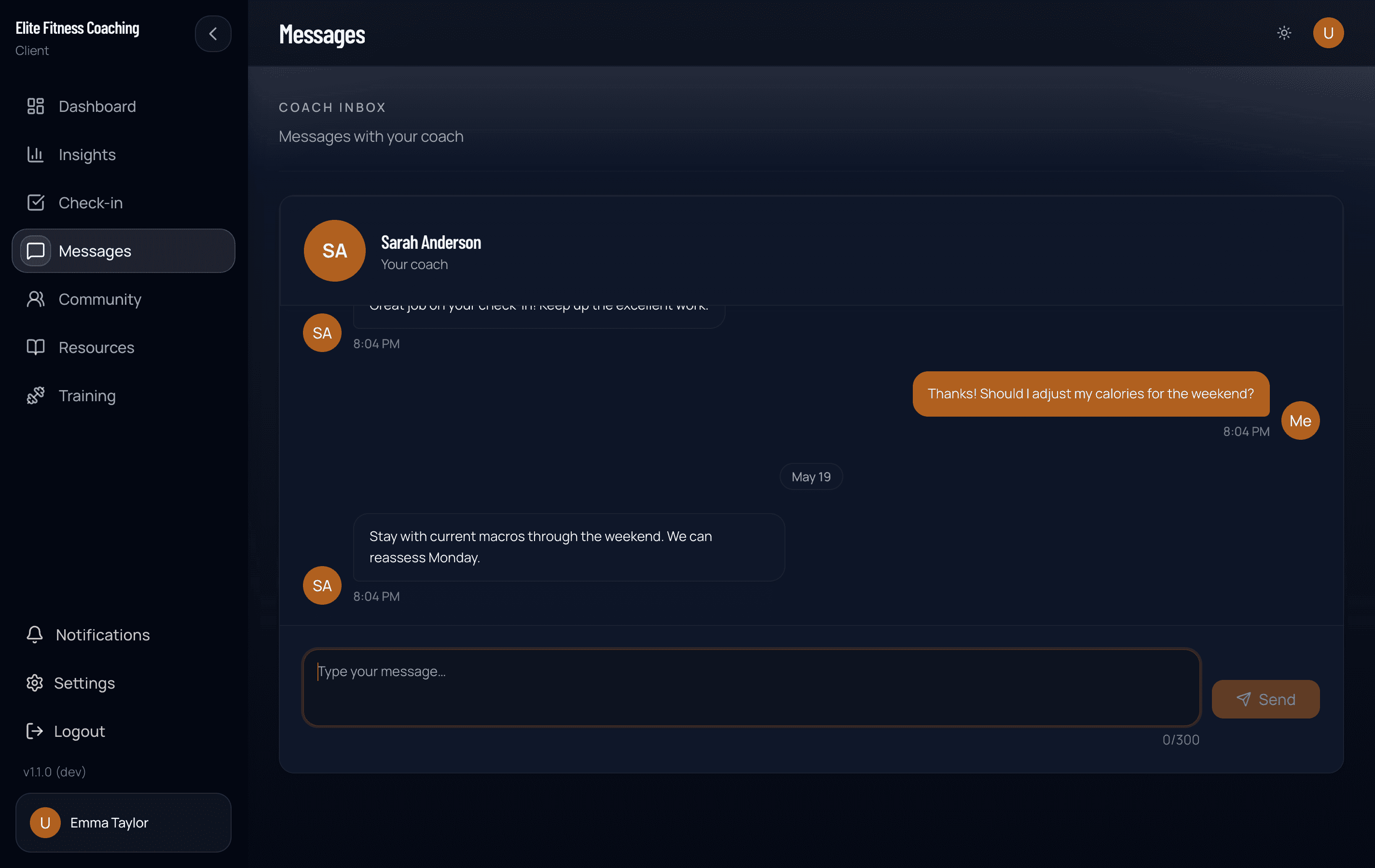
What you can send
- Text — day-to-day questions, updates, and clarifications
- Audio — short voice notes when typing is inconvenient
Keep coaching-critical context in the app when you can (workouts, meals, check-ins) so your coach can open the same data you see.
Older messages
The thread opens on your newest messages and stays current as new ones arrive. On a long conversation, Load older messages appears at the top. Each tap brings in an earlier batch until you reach the start of the thread.
Check-in replies
When your coach finishes a weekly check-in, their written response often appears in this same thread as a check-in response. You may also get a push notification if notifications are on.
Open the response to read plan notes or feedback; some replies deep-link back to the check-in for full context.
Notifications
If push is on in the iOS or Android app, you’ll get a lock-screen alert when your coach messages you. Push doesn’t work in a regular browser tab.
Manage push, quiet hours, and other prefs under Settings. More detail: Notifications.
Tips
- Prefer one clear thread over long email chains outside the app so history stays with your plan.
- For urgent safety or medical concerns, follow your coach’s instructions and professional care — Messaging is for coaching, not emergency services.
- If Messages won’t load, try Try again on any workspace error screen, or sign out and back in from the workspace selector.