Insights
The Insights page is your personal progress view — trends and history, not a grade. Your coach sees additional diagnostic detail on their side; your view focuses on what you can act on.
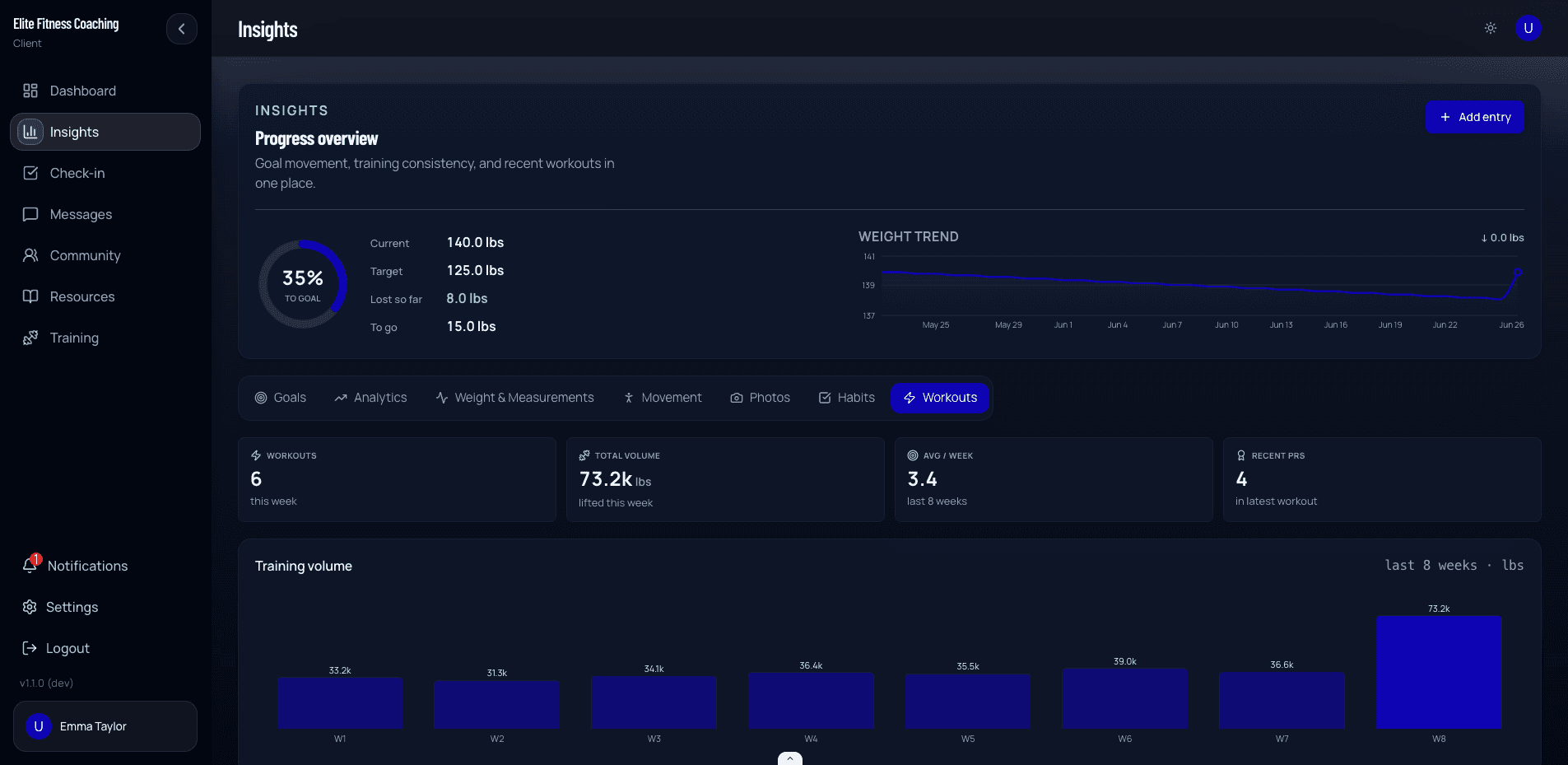
Progress overview
At the top you’ll often see:
- A goal-progress ring (how close you are to a target weight, when a target exists)
- Current and target weight, plus change so far
- A weight trend chart over time
If weight tracking is off for your account, that ring may be limited — follow how your coach set up weight logging.
Tabs
| Tab | What it shows |
|---|---|
| Goals | Progress toward a weight target, milestones, weekly rate of change |
| Consistency | Complete nutrition days or planned meals, alignment on complete days, check-ins submitted, steps trend — exact progress and next actions, not one overall “score” |
| Weight & Measurements | Weight history and body measurements over time |
| Movement | Functional movement screens your coach recorded (for example overhead squat or plank). Read-only — your coach enters these |
| Photos | Progress photo timeline from check-ins and photo uploads |
| Habits | Completion stats for assigned habits |
| Workouts | Logged training: this-week stats, volume when you lifted, distance and finish times when your sessions include them, recent PRs (strength, distance, and timed work), the four most recent sessions, and strength progress when you have load-based work |
On the Photos tab, Take Photo uses the camera. If access is blocked, turn Camera on in Settings (iPhone: Settings → CoachingPortal → Camera) and try again, or upload from your photo library.
How to use it well
- Open Insights weekly when you submit a check-in so the charts match the week you’re discussing with your coach.
- Consistency metrics reward complete days and finished planned work — partial logging still helps your coach, but complete days make trends clearer.
- Questions about “why did my trend change?” belong in Messages with your coach; the charts alone don’t replace coaching judgment.