Check-in
Your weekly check-in is a structured update for your coach: how the week went, what’s on track, and what needs attention. Open Check-in from the main nav when it’s time to submit.
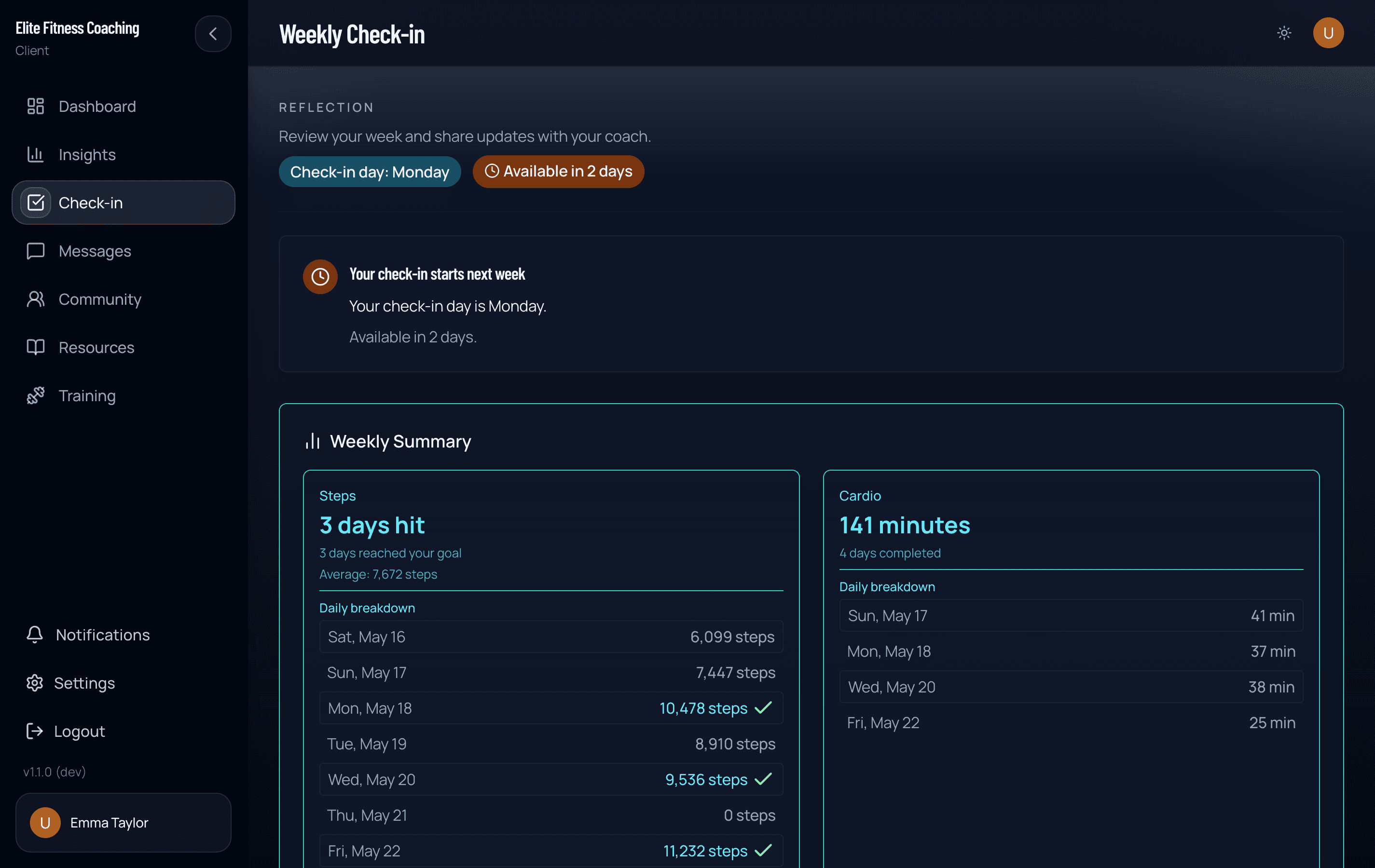
When it opens
The form opens on your scheduled check-in day. If you miss that day, you can usually still submit later in the same week (for example a Friday check-in that stays available through the weekend). If your check-in day is Sunday, you have until the end of Monday. After that, the window closes. A late submission still belongs to the week your coach expected.
Exact timing is set by your coach’s workspace — if you’re unsure of your check-in day, ask in Messages.
What’s on the form
Your coach configures sections. Common blocks include:
- Weight summary
- Nutrition summary for the week (when logging data exists)
- Photos (front, side, back). If Take Photo says camera access is blocked, turn Camera on in Settings (iPhone: Settings → CoachingPortal → Camera) and try again, or upload from your photo library.
- Wellness ratings (sleep, stress, energy, mood)
- Habit completions for the week
- Free-text summary
- Custom questions your coach added
You only see what they’ve turned on for you.
Plan progress (not a grade)
The weekly summary often starts with Plan progress:
- Wins — assigned actions you completed
- Next up — a concrete action you can take next
It does not collapse the week into one overall pass/fail score. A missed day does not erase work you already completed.
Nutrition summary
- Macro clients may see complete nutrition days and how close complete days were to targets.
- Meal-plan clients may see completed meals vs the meals scheduled for each date.
- A day-by-day list can show complete, started, or not logged — every completed meal or entry still counts as real work.
If the week looks empty, keep logging complete days or marking meals so your coach sees the full picture before you submit.
After you submit
You’ll see a confirmation with what happens next. If your coach has a check-in day on your schedule, it names that day. Otherwise it simply says your coach will review and follow up — the app does not guess a date.
- Your coach is notified (a push alert if they use the mobile app with notifications on).
- They review the check-in and may adjust macros, plans, or notes.
- Their response often appears in your Messages thread — you may get a push too.
You can also set a check-in reminder time under Settings so the app nudges you on your check-in day.
You don’t need to re-send the same update in chat unless they ask for something extra.
Tips
- Submit with photos and wellness filled in when those sections are enabled — partial check-ins are harder to coach from.
- Use the free-text box for context (“travel week,” “sick two days”) so numbers aren’t misread.
- Review Insights the same day if you like matching charts to the story you just sent.